
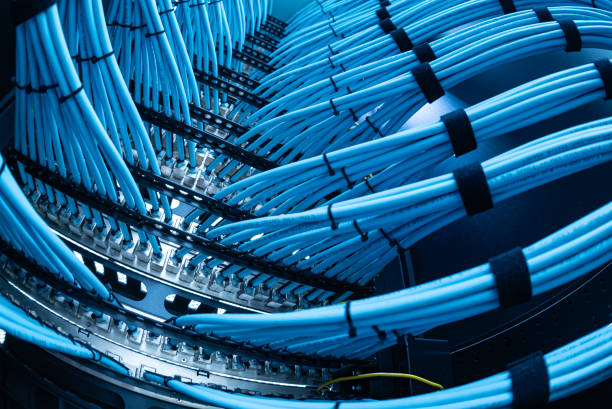
Key Takeaways
- Network Cabling site surveys and infrastructure planning create cabling designs aligned with current operations, building constraints, and future growth.
- Structured cabling supports data, voice, Wi-Fi, cameras, access control, and other connected business systems.
- CAT6 suits many gigabit horizontal runs; fiber is often better for long distances, inter-floor links, and higher capacity.
- Labelled, tested, documented cables and organized racks make troubleshooting, repairs, moves, and expansions faster.
- Proper pathways, power separation, bend radius, containment, and firestopping protect performance and finished spaces.
- Pasadena installations can be coordinated with contractors and IT teams to minimize disruption in occupied properties.
Network Installation Design and Infrastructure Planning
A dependable network begins long before the first cable is pulled. It starts with a clear design that reflects how a property is used today and where its technology needs are heading. For offices, retail spaces, schools, hospitality venues and larger homes across the city, the right infrastructure keeps equipment connected without leaving ceilings, walls and risers crowded with difficult-to-service cabling. A detailed site survey maps existing routes, building materials, equipment locations, power sources and physical constraints.

Network Infrastructure Planning Checklist
| Planning area | What to assess | Why it matters |
|---|---|---|
| Site survey | Existing cable routes, building materials, equipment locations, power sources and physical constraints. | Helps identify workable installation routes and reduces surprises during installation. |
| Cable pathways | Pathways through ceilings, walls and risers, plus fire-stopping requirements. | Keeps cabling serviceable and avoids crowded, difficult-to-access routes. |
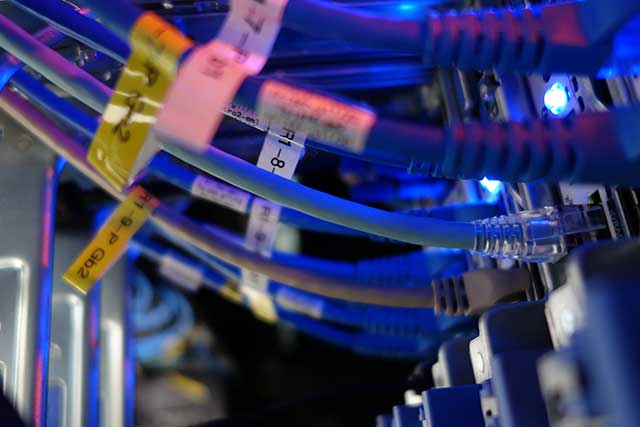
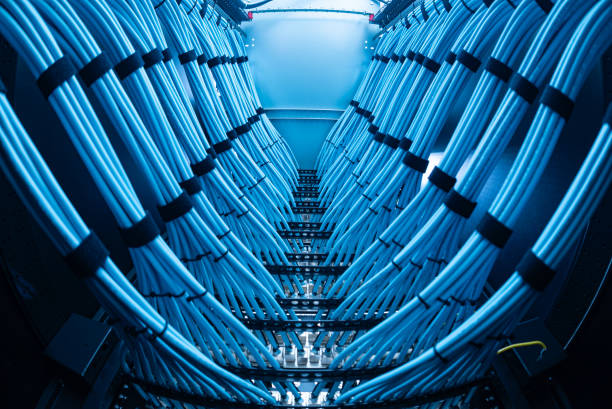
| Structured cabling layout | Labelled cable runs, managed racks, containment sizing and documented termination points. | Creates a consistent system between the communications room and connected devices. |
| Horizontal cable selection | Run length, bandwidth demand, electromagnetic interference and connected equipment. | CAT6 can support reliable gigabit service for many horizontal network runs. |
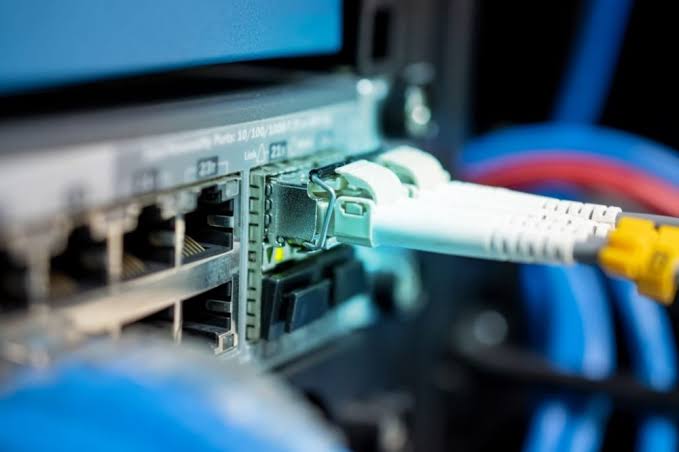
| Fiber links | Links between floors, buildings or distant cabinets that require long-distance or high-capacity connections. | Fiber is suited to longer runs and higher-capacity links. |
| Containment and cable routing | Suitable containment, separation from mains voltage routes, bend radius and manufacturer installation guidance. | Protects signal quality and makes later changes less disruptive. |
| Testing, labelling and records | Applicable testing, workmanship and labelling standards, plus records showing each cable’s start and end points. | Makes maintenance, fault diagnosis and future expansion easier. |
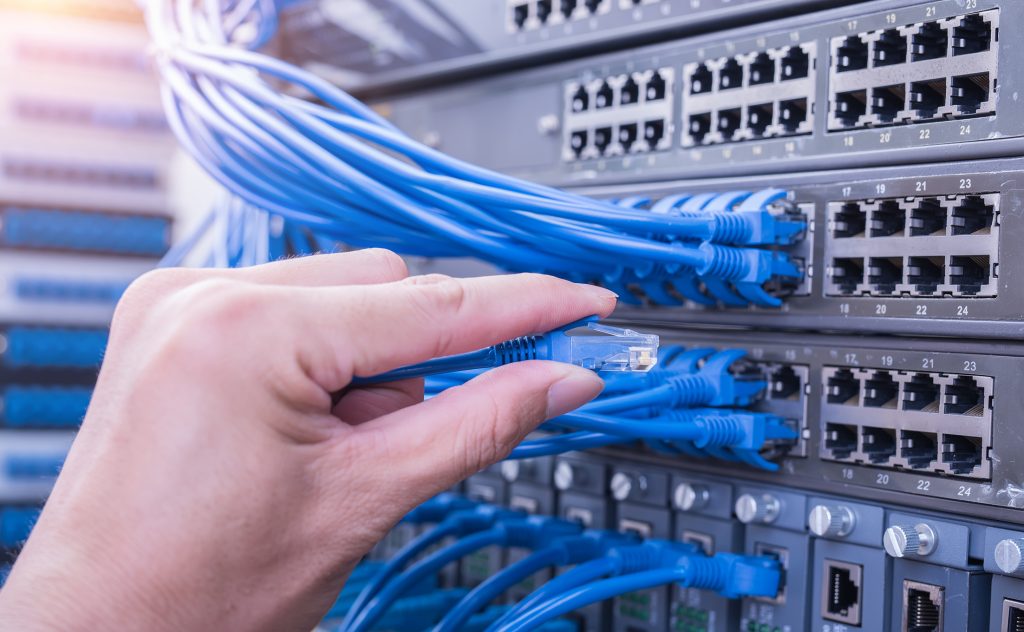
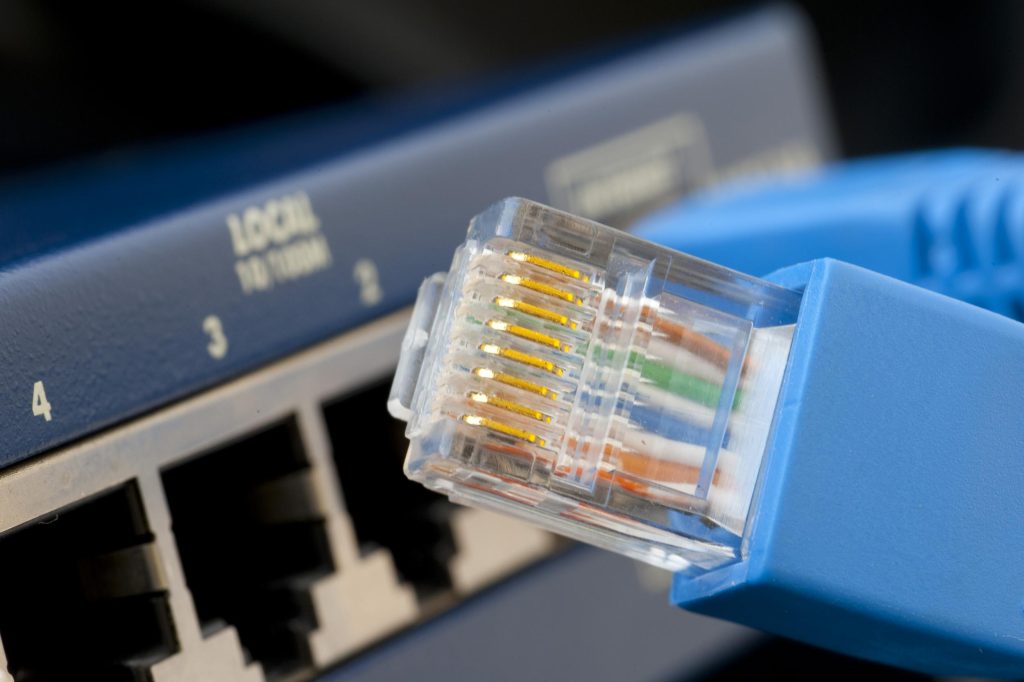
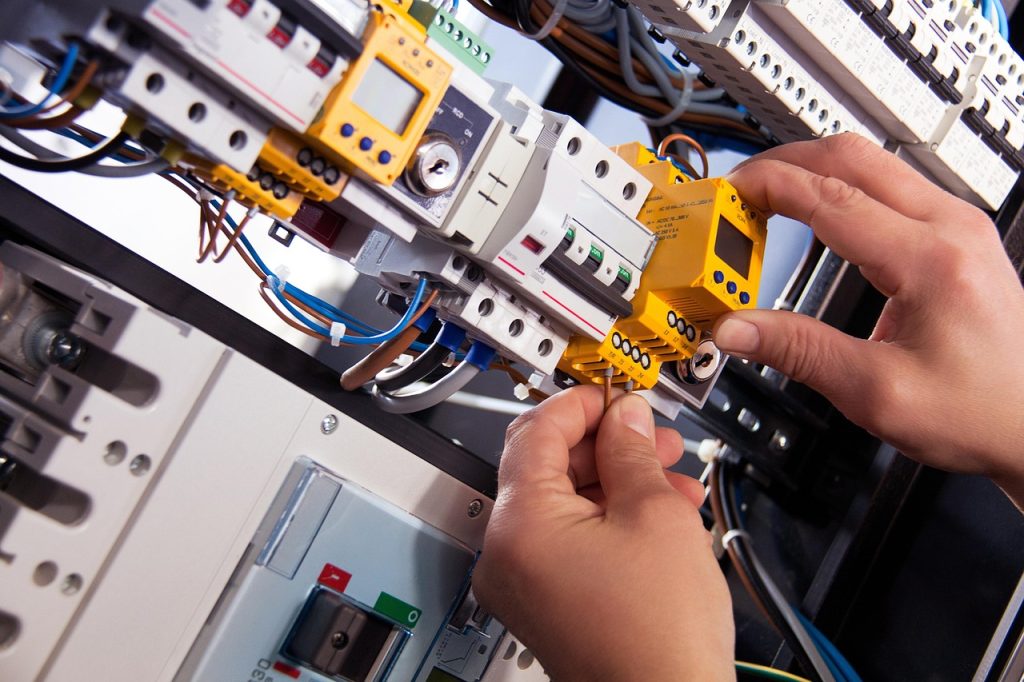




Pasadena Network Cabling Services, A Clear Voice From Site Survey to Handoff
Reliable connectivity begins long before a cable reaches a wall plate. For Pasadena businesses, the right network cabling partner brings order to the details that shape daily work: where equipment will live, how teams move through the space, which systems need secure connections, and how future growth may affect the plan. A careful site survey turns those realities into a workable design rather than a rough estimate based on square footage alone.
Network Installation Priorities
- Review current devices, internet demands, building layout, and planned growth before selecting cabling or equipment.
- Install structured data cabling with proper routing, bend radius, protected pathways, and labeled terminations.
- Place racks, patch panels, and service equipment where technicians can safely access them.
- Document ports and connections to speed repairs, device additions, and future tenant improvements.
- Coordinate cabling work with electricians, contractors, and IT staff during construction or renovations.
- Secure racks and protect cable routes to limit unauthorized access and reduce troubleshooting time.