
Key Takeaways
- Start with a site survey to map pathways, telecom rooms, access constraints, and future capacity.
- Use Cat6 for typical gigabit needs; choose Cat6A or fiber for higher capacity and long-term growth.
- Plan Wi-Fi with wired access point locations, coverage surveys, switching capacity, and interference in mind.
- Require labeled, tested, certified cabling with as-built drawings and test reports at project closeout.
- Compare detailed quotes covering materials, labor, pathways, permits, testing, assumptions, and warranties.
- Choose contractors with local experience, insurance, certifications, references, and responsive support for future changes.
Network Cabling Company Los Angeles CA: Services and Network Infrastructure
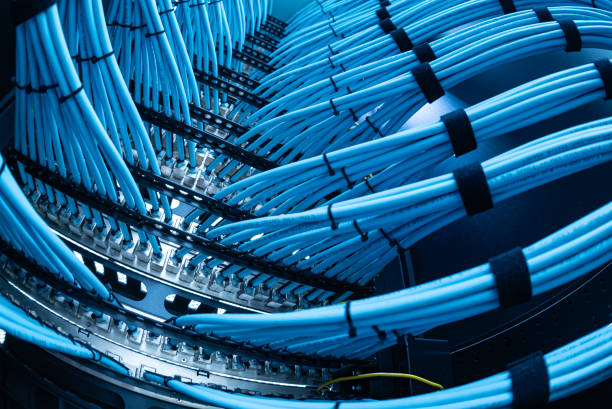
For offices, retail sites, campuses, and mixed-use properties, a network cabling company Los Angeles CA plans cabling services around network infrastructure. The work connects data cabling, structured cabling, low voltage wiring, telecom voice, wireless access, and future-facing infrastructure solutions.

Cabling Installation Checklist
- Survey telecom rooms, pathways, ceiling conditions, electrical separation, and work-area distances before selecting materials.
- Size copper categories, fiber backbones, conduits, trays, racks, and cooling for current needs and planned growth.
- Coordinate routing with electrical, security, AV, millwork, and wireless teams before walls and ceilings close.
- Keep cable routes discreet, accessible, and serviceable in finished interiors or restricted older-building spaces.
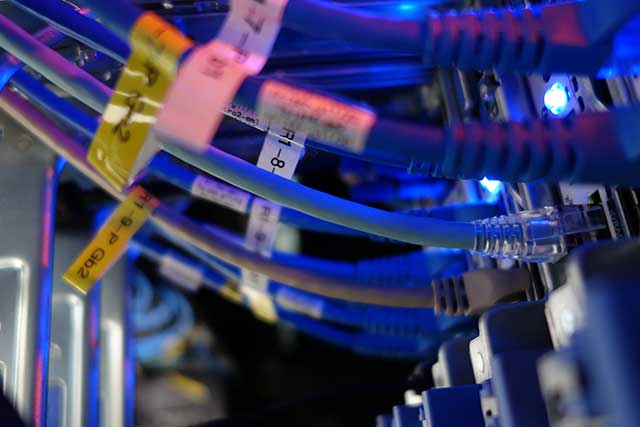
- Label every cable, outlet, patch-panel port, and rack position with a clear numbering system.
- Certify permanent links and deliver test reports, cable schedules, warranty records, and as-built drawings at handoff.
Structured Cabling Installation Handoff Checklist
| Handoff item | What it should document | Why it matters |
|---|---|---|
| Cable schedule | Cable runs, categories, fiber backbone details, outlets, patch-panel layout, and rack connections. | Gives facility and IT teams a reference for maintenance, adds, and moves. |
| Certification reports | Permanent-link test results for installed copper and fiber cabling. | Shows that links were tested before handoff. |
| As-built drawings | Final outlet locations, pathways, telecom rooms, racks, and installed device locations. | Helps technicians locate infrastructure without guessing or disturbing live connections. |
| Labeling and numbering records | Port, outlet, cable, and patch-panel identifiers used in the installed system. | Lets an IT team trace a port quickly and supports future changes. |
| Warranty requirements | Warranty documentation and related closeout requirements for the cabling system. | Provides the records needed for warranty review after installation. |




Cabling Installation Choices: Cat6, Cat6A, Fiber and WiFi Installation
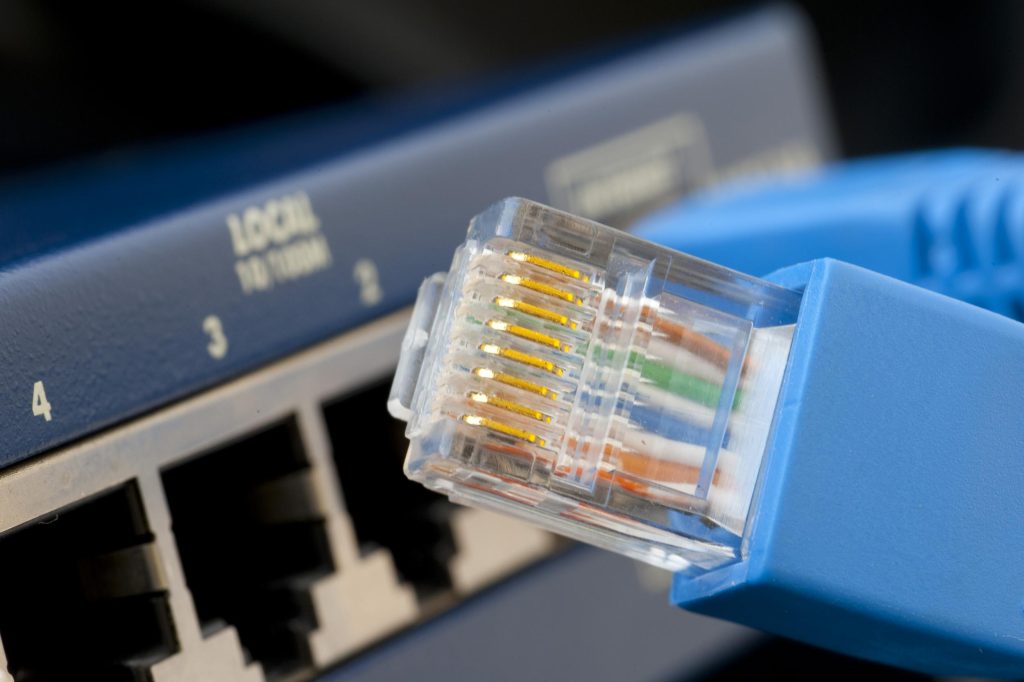
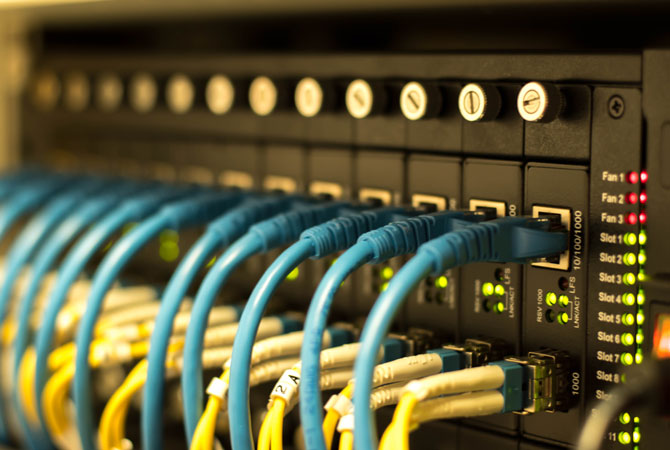
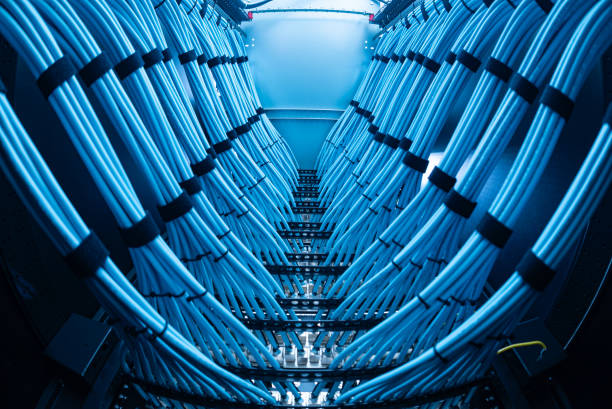
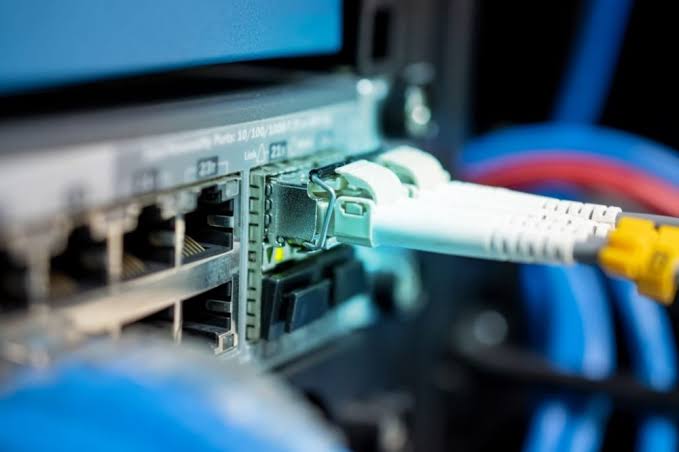
A sound network starts with choosing the right medium for the building, the workload and the years ahead. Cat6 remains a sensible choice for many homes, small offices and modest commercial fit-outs, supporting dependable gigabit connections for workstations, phones, cameras and access points. Cat6A costs more and demands more room in conduits and pathways, yet its 10-gigabit capability makes it a strong fit for busy offices, dense wireless deployments and sites where walls will not be opened again soon.
Network Cabling and WiFi Installation Options at a Glance
| Option | Best suited to | Primary role in the network | Planning considerations |
|---|---|---|---|
| Cat6 | Homes, small offices and modest commercial fit-outs | Dependable gigabit connections for workstations, phones, cameras and access points | A sensible choice where gigabit connectivity meets current needs |
| Cat6A | Busy offices, dense wireless deployments and sites unlikely to have walls opened again soon | 10-gigabit connections for local devices and access points | Costs more and requires more room in conduits and pathways |
| Fiber optic cabling | Long-distance, high-capacity links across larger premises | Backbone links between floors, buildings and communications rooms | Choose single-mode or multimode during design based on distance, equipment and planned growth; fiber avoids electrical interference affecting copper runs |
| WiFi access-point infrastructure | Sites requiring wireless coverage for users and devices | Provides wireless access through correctly placed, wired access points | Requires survey-led coverage planning, suitable cable runs, sufficient switching capacity, and placement that accounts for walls, shelving and interference |